


01
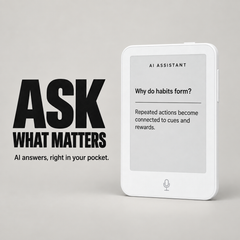
Ask AI
Get quick answers and explore ideas directly from your distraction-free e-paper device.
Free Shipping on All Orders

Couldn't load pickup availability
Track your order from dispatch to delivery
 G5 / White
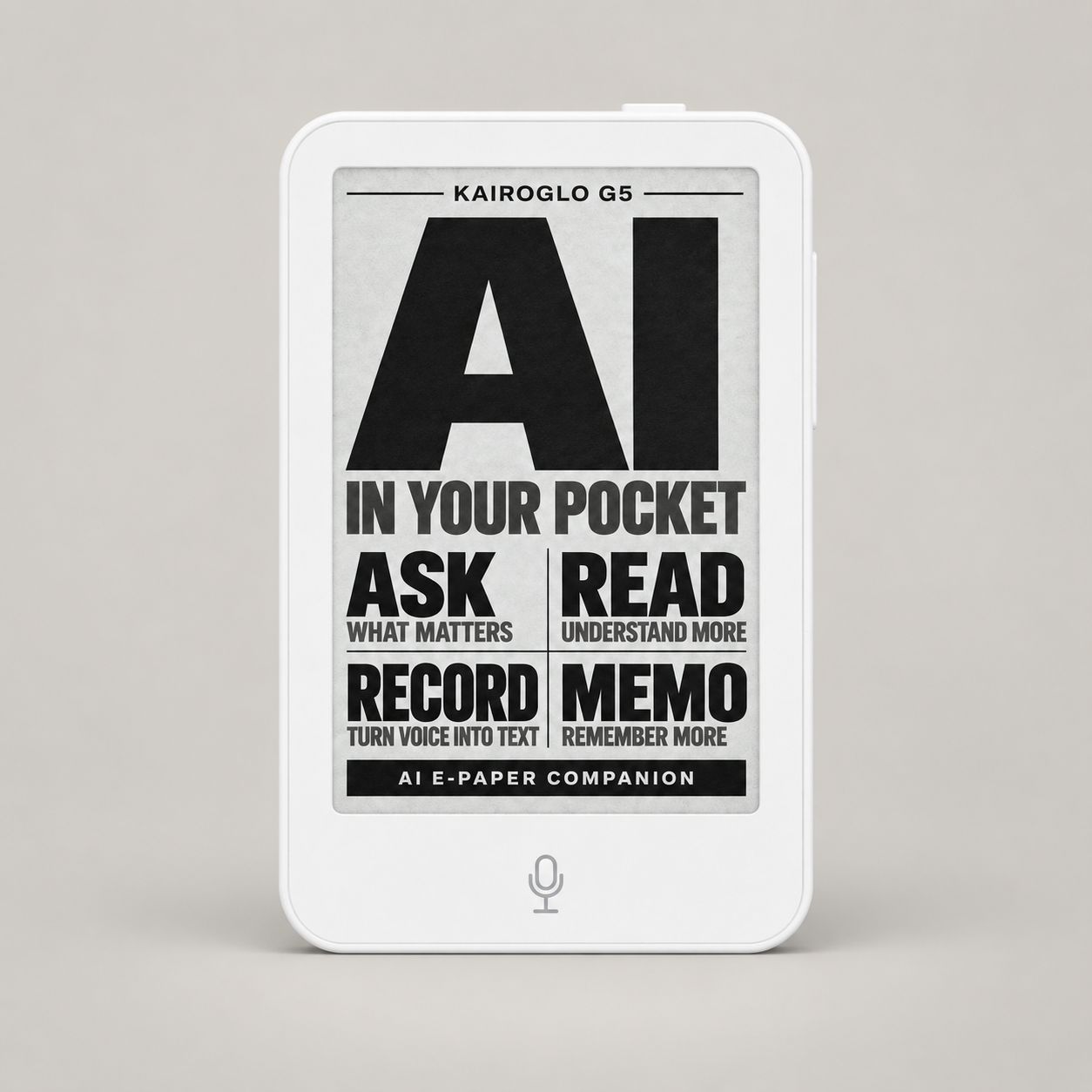
Pocket-sized by design
Take a closer look at KairoGlo G5. Rotate it to explore the screen, controls and every angle.
3D product visualization. Screen artwork shown is a standby image.
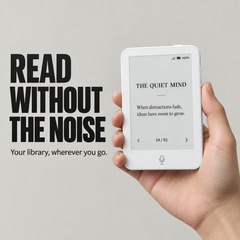
Read, ask, record and capture notes with a focused e-paper assistant designed to go wherever your day takes you.
Get quick answers and explore ideas directly from your distraction-free e-paper device.
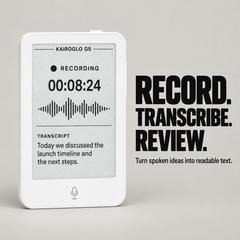
Capture meetings, classes and spoken ideas, then turn your recordings into readable text.
Capture quick thoughts, reminders and everyday tasks whenever inspiration strikes.
Carry EPUB and TXT books on a paper-like display without notifications or endless scrolling.
Designed around what matters—without the distractions of a smartphone.

Ask questions directly from your G5 and receive clear answers on its distraction-free e-paper display.
Wi-Fi connection is required for AI-powered responses.

Capture meetings, classes and ideas, then turn recorded speech into text that is easier to review.
Transcription availability may depend on network connectivity.
Compare models
Choose focused reading with the G3, or step up to the G5 for AI assistance, transcription and translation.
| Features |

|
More capable

|
|---|---|---|
| Focused reading | ||
| EPUB and TXT support | ||
| Display | 3.52″ E-paper | 3.68″ Touch E-paper |
| AI Assistant | — | |
| Voice transcription | — | |
| Real-time translation | — | |
| Built-in microphone | — | |
| Built-in speaker | — | |
| Weight | 66g | 67g |
| Best for | Simple, distraction-free reading | Reading, asking, recording and translating |
A simple pocket reader for focused moments.
The pocket AI companion built for more.
AI, transcription and translation features require a compatible network connection. Product features may vary by software version.

Open your chosen books on a paper-like e-paper display without social feeds, notifications or endless scrolling.
Supports EPUB, TXT and JPG files.
Add your books, choose a title and start reading—without turning the moment into more screen time.

Transfer your supported EPUB, TXT and JPG files to KairoGlo G5.

Browse your personal library and open the title you want to continue reading.

Adjust your reading preferences and use the physical controls to move through every page.
Your books stay ready whenever a quiet moment appears.
KairoGlo G5 is designed for simple, focused reading using supported files from your personal library.
View file transfer guideFrom daily commutes to quiet moments at home, KairoGlo G5 keeps a book within reach.
 01
01
Keep your current book close without carrying another full-size device.
 02
02
Step away from notifications and return to the book you chose.
 03
03
Make use of unexpected pauses at the café, airport or waiting room.
 04
04
Settle into a quieter reading moment with comfortable ambient light.
Read, ask, record and capture ideas with a pocket-sized AI companion built around a paper-like display.

The 3.68-inch touch-enabled e-paper display keeps text clear in ambient light while making menus, reading and everyday tools easy to control.

Ask questions, explore unfamiliar ideas and get useful explanations without turning your reading session into an endless smartphone feed.

Capture spoken ideas, conversations or study sessions with the built-in microphone, then turn recordings into readable text for convenient review.

Capture quick notes, reminders and ideas directly on G5, so useful thoughts stay organized and ready when you need them.
Carry supported books and personal reading files in a compact device designed to keep attention on the page, not on notifications or social feeds.
WHAT’S INCLUDED
Your KairoGlo G5 arrives with the essentials you need to start reading.

Your pocket-sized e-paper reader.
For charging your KairoGlo G5.
For attaching the reader to compatible surfaces.
Simple instructions to help you get started.
Package contents may vary by bundle selection.
FREQUENTLY ASKED QUESTIONS
Everything you need to know before choosing your KairoGlo G5.
Still have a question?KairoGlo G5 combines focused e-paper reading with AI Q&A, voice transcription and memo tools in one pocket-sized device. It is designed for reading, asking, recording and capturing useful ideas without relying on a full smartphone experience.
Yes. AI Q&A requires a network connection to process questions and return answers. Availability, response quality and usage limits may vary depending on the network and service conditions.
Use the built-in microphone to capture spoken ideas, conversations or study sessions. G5 can turn supported recordings into readable text for convenient review. Transcription performance may vary by language and network.
Memo lets you save quick notes, reminders and ideas directly on G5. It is useful for capturing thoughts while reading, recording a task or keeping short information close at hand.
G5 supports compatible EPUB, TXT and JPG files. It does not run the Kindle app, and Kindle books protected by Amazon DRM cannot be transferred directly. DRM-free personal files can be used when they meet the supported format requirements.
G5 has a 3.68-inch touch-enabled e-paper display with a 528 × 792 resolution. The device measures approximately 100 × 64 × 8 mm (3.94 × 2.52 × 0.31 inches) and weighs approximately 67 g (2.36 ounces).
Orders are prepared and shipped with tracking. Delivery time depends on the destination and selected shipping service. You will receive a tracking email after your order has been dispatched.
View Shipping PolicyEligible products can be returned within 30 days of delivery when they meet the conditions in our return policy. G5 also includes a one-year limited warranty covering eligible manufacturing defects under normal use. Accidental damage, misuse and unauthorized modifications are not covered.
View Return Policy View Warranty Details
Useful for Work and Personal Reading

This has truly been a gamechanger for my reading. It is convenient, and the fact that it has a backlight has truly made it the best pocket rreader.

A Clever Everyday E-Paper Device

Helps Me Stay Focused While Learning

Exactly What I Wanted for Distraction-Free Reading

The Physical Buttons Make a Difference

I bought this because I was tired of getting distracted every time I tried to read on my phone. The screen is clear, the device is easy to carry, and I’ve already been reading more often.

More Useful Than a Regular Pocket Reader

A Great Study Companion

It fits easily in my pocket and barely adds any weight to my bag. I usually use it during my commute or while waiting for appointments. Simple, practical and exactly what I needed.

The Transcription Feature Saves Me Time

Surprisingly Easy to Carry

I keep the G3 in my everyday bag and use it on the train. It is small, light and much easier to hold than my regular e-reader. The physical page buttons are a nice touch.
Thanks for subscribing!
This email has been registered!